Star on GitHub
Flows
DevTools generates deployable API workflows from your real browser traffic. Import a HAR, map variables, and export YAML for review and CI runs.
How it works
Record → Flow → YAML → CI
Quick mental model: visual API workflows with Git‑native YAML export. Flows you can review and run in CI.
Record real traffic
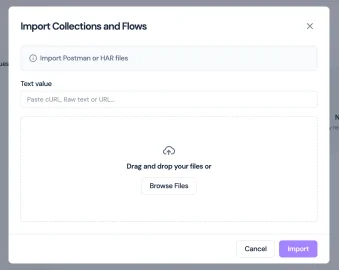
Capture a HAR from your browser or proxy and drag it into DevTools. We’ll parse requests and auth headers automatically.
- • Chrome DevTools → Save all as HAR
- • Sensitive data safe: process happens locally
Map variables across steps
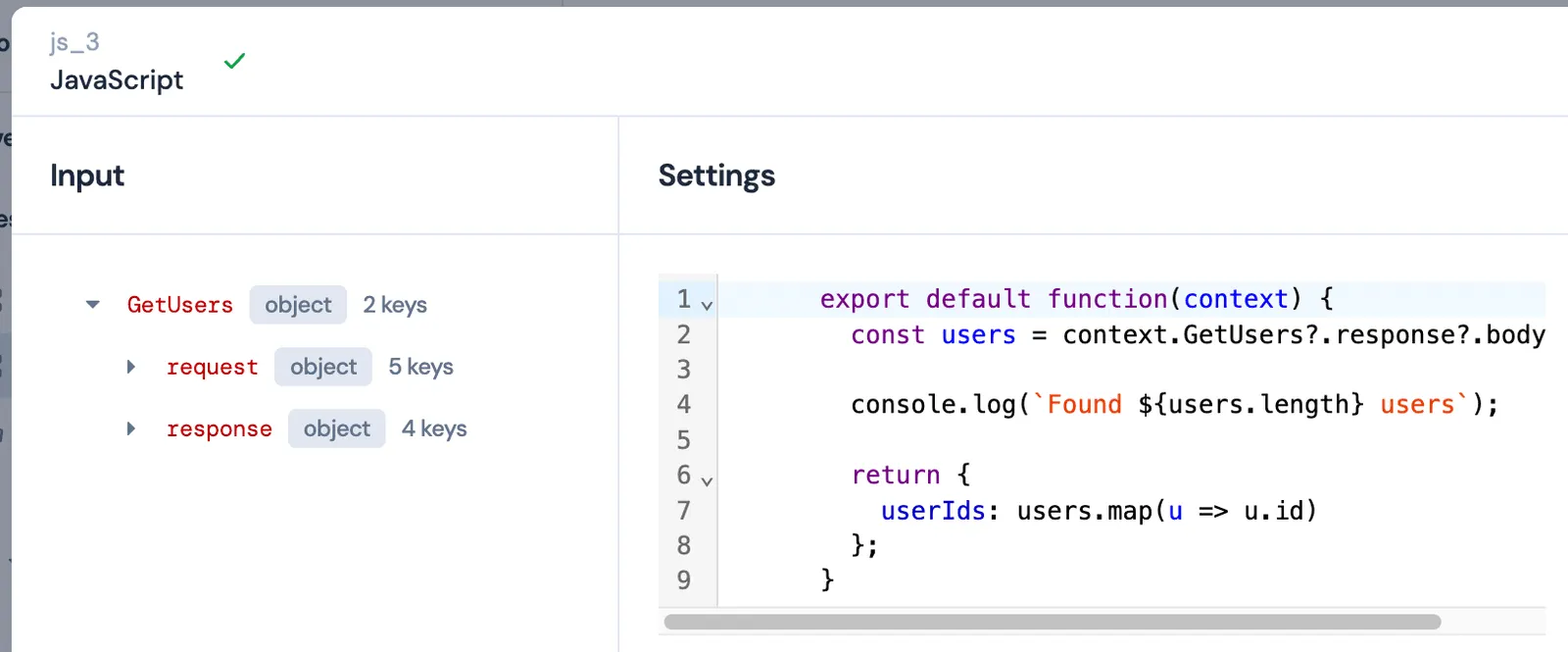
Extract tokens and IDs from responses and map them to subsequent requests. Fine‑tune with JSONPath‑based overrides.
- • Auto‑mapped variables from responses
- • Override rules per step
Build and refine flows
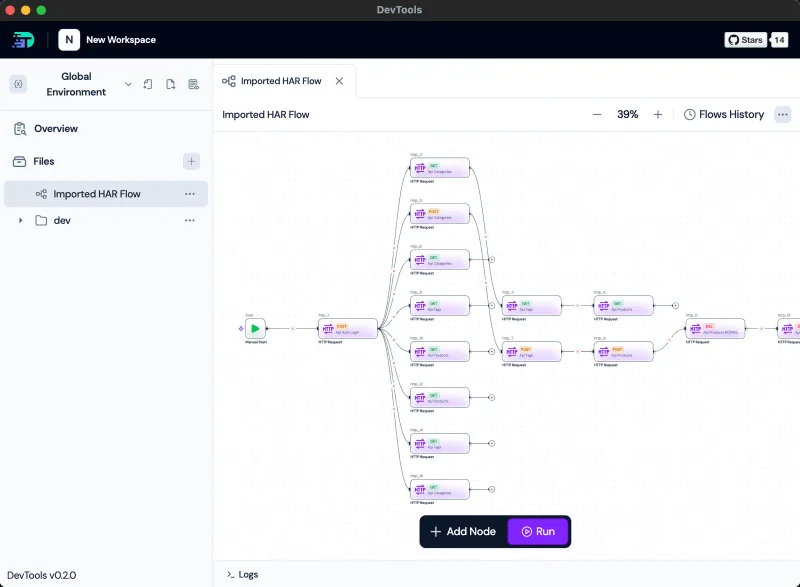
Use a visual canvas to organize requests, set assertions, and add flow‑level logic. Keep reviews clean with YAML export.
Export to YAML and run in CI
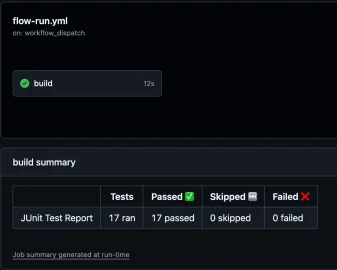
YAML‑native by design: export human‑readable flows for Git review, then run locally or in CI with clear exit codes and reports.
- • Git‑reviewable flow definitions
- • CLI reports (JUnit/JSON, exit codes)