
 Star on GitHub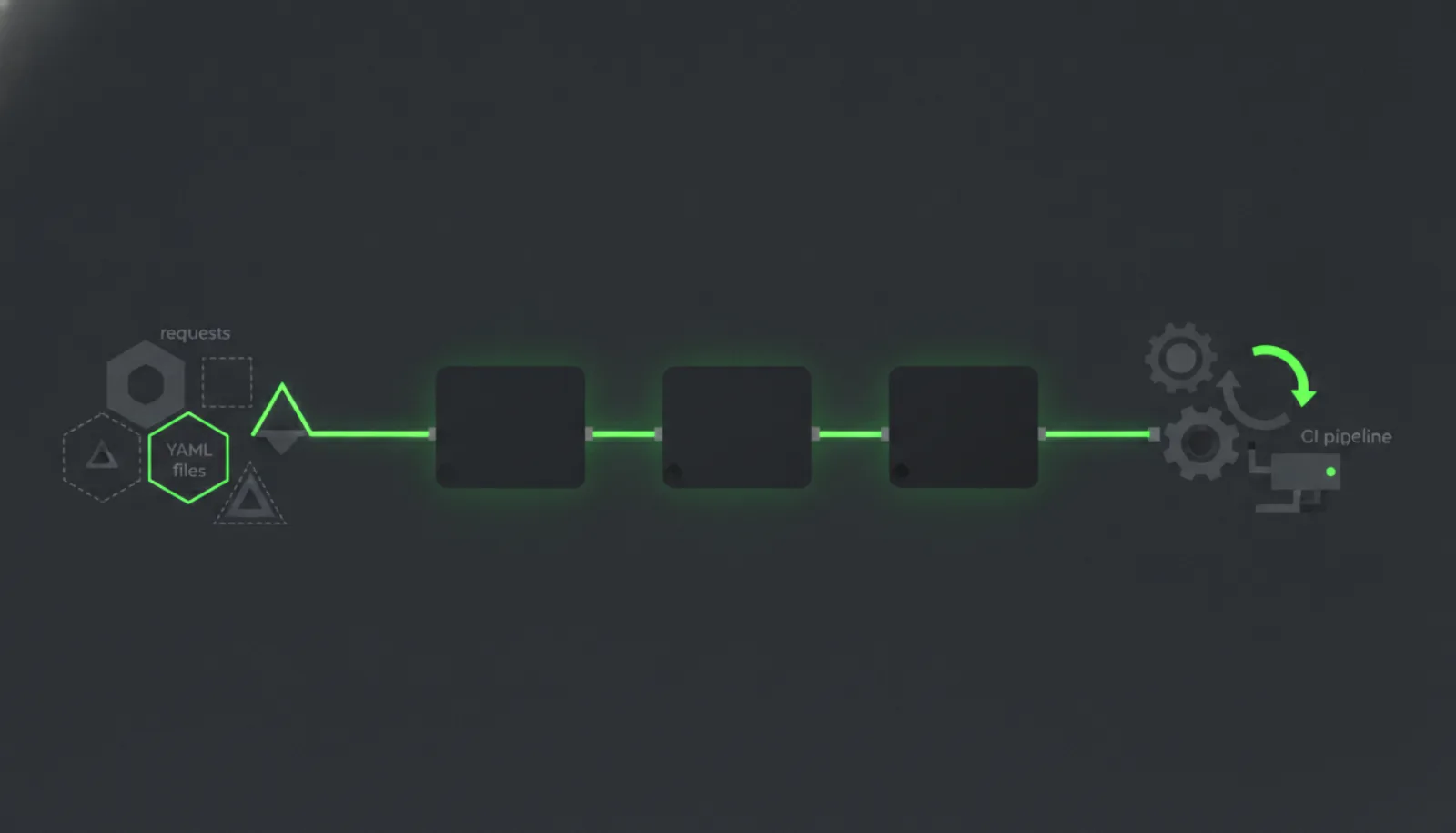
Best Insomnia Alternative for API Testing in CI

If you want an Insomnia alternative that runs API tests in CI, the answer depends on what you need to leave behind. Bruno, Hoppscotch and Postman each ship a command-line runner for collections, HTTPie is a terminal client and not a test runner, and Karate is a test framework with its own syntax. DevTools, which we make, stores tests as YAML flows that run in CI with parallel execution and JUnit reports. None of them is a strict upgrade: Insomnia keeps real strengths, covered near the end.
How we picked the Insomnia alternatives
Three criteria decide this list. First, what the tool can run headless, meaning without opening a desktop app. Second, where the tests live: in your repository or behind an account. Third, what you give up compared with Insomnia.
Insomnia has its own CLI, so "alternative" here means a different way to run API tests automatically, not a replacement for something Insomnia cannot do. Inso CLI is described as a tool that lets you "use Insomnia features in your terminal and CI/CD environments". DevTools is our product and gets the same treatment as the others. If you are leaving Bruno instead, see the best Bruno alternative for API testing.
DevTools: YAML flows that run in CI
DevTools is an open-source API testing tool that chains multi-step requests into reusable YAML workflows. It records real traffic, auto-maps variables between steps, and runs end-to-end API tests in CI with parallel execution and JUnit reports.
It is released under Apache-2.0 and includes Studio (the desktop app), a CLI, flows and templates. Studio and the CLI are free, run on your own machine and in your own CI, and need no account. The audience is developers and QA engineers who want API tests in version control and in the CI pipeline instead of in a GUI client.
There is no hosted DevTools. The hosted option is Stresseur Cloud, a separate paid product from the same team. If you want a hosted runner, look at Stresseur; DevTools itself does not provide one.
Bruno: collections as files, a CLI to run them
Bruno stores your collections directly in a folder on your filesystem, and it is offline-only: its README says there are no plans to add cloud sync, ever. That makes it the closest match if your main complaint about Insomnia is where the data lives.
For CI, Bruno CLI runs individual requests or entire collections with bru run, and can create reports in JSON, JUnit and HTML. It installs from npm and is MIT licensed. We compare it directly with Insomnia in our Insomnia vs Bruno post.
Hoppscotch: a lighter client with an alpha CLI
Hoppscotch's CLI runs a collection with hopp test, which goes through each request in the collection and runs them. Its documentation says the CLI is currently in alpha stage, installs with npm i -g @hoppscotch/cli, and needs Node.js v22 as a minimum.
A failed assertion produces a non-zero exit code, and JUnit XML reports are written to the path you give the command. If you want a pipeline gate today, check how much an alpha CLI matters to you. For a head-to-head with another open-source client, read Hoppscotch vs Bruno.
Postman: the CLI runs collections, with plan limits
Postman describes its CLI as an official, signed command-line tool for running and managing collections, specifications and mocks. You can sign in or set up a project without an account, but availability of some commands depends on your Postman plan.
That matters if you are leaving Insomnia partly to avoid account and plan questions. Our Bruno vs Postman comparison covers the Git-first angle. Read the Postman CLI overview for the commands your plan includes before committing.
HTTPie: a terminal client, not a test runner
HTTPie describes itself as a command-line HTTP and API testing client, with the goal of making CLI interaction with web services as human-friendly as possible. For scripting, --check-status makes it exit with an error when the status is 3xx, 4xx or 5xx.
Its CLI documentation describes neither a collection runner nor an assertion feature, so it suits quick checks and shell scripts more than a suite of chained tests. For terminal tools that do run suites, see best command line tool for API testing.
Karate: one syntax for API, UI and performance tests
Karate calls itself open-source test automation covering API, UI, performance and mocks in one syntax. Its documentation says you can run hundreds of tests in parallel, across features, scenarios and example rows.
It is the broadest option here, and also the furthest from an API client. Choose it when your team wants a test framework, not a replacement for Insomnia's request editor. Our open source API testing tools puts it next to the same alternatives.
What each tool runs headless
The table lists only what each tool's own documentation states.
| Tool | Headless command | Documented CI-relevant behavior |
|---|---|---|
| Inso CLI (Insomnia) | inso run collection and inso run test | Lints and exports specs; CI reporting not documented on the overview page |
| DevTools | CLI | Parallel execution and JUnit reports |
| Bruno | bru run | JSON, JUnit and HTML reports |
| Hoppscotch | hopp test | Non-zero exit code on failure, JUnit XML |
| Postman | postman collection run | Some commands depend on plan |
| HTTPie | --check-status flag | Exit codes by status class |
| Karate | Not documented on the overview page | Parallel runs |
Moving from Insomnia and Inso CLI to a Git-stored YAML flow
Inso CLI can already run tests, run a request collection, lint a spec and export a spec from a terminal. It installs through Homebrew or Docker. If your Inso runs are mostly spec linting, you may not need to replace them at all.
Insomnia's Git Sync stores project resources as YAML files in your repository, alongside additional metadata. That is Insomnia's own format, though, not a DevTools flow.
To move test coverage to DevTools, the route DevTools documents is recording real traffic and letting it map variables between steps, then committing the resulting YAML. We have not documented a direct Insomnia importer, so plan to rebuild requests from recorded traffic instead of converting a collection file.
What does not carry over is real. Insomnia pairs collection tests with pre- and post-request scripting, native API mocking and an MCP client. DevTools does not claim any of those, so treat each as a feature to replace or give up.
Where Insomnia is still the right choice
Stay on Insomnia if you want a free client with an unlimited collection runner and a Scratch Pad that needs no login. Its site also lists storage choices, local, via Git or in the cloud, which fits teams that differ project by project on where data belongs.
It is also the better fit when your work leans on features the alternatives above do not describe: pre- and post-request scripting, generated API mocks, or inspecting MCP servers. And if your CI need is linting OpenAPI specs in a Git pipeline, Inso CLI already does that.
A reasonable split is to keep Insomnia as the exploration client and run only the regression suite from a CLI-first tool.
Quick answers
Does Insomnia have a CLI for CI?
Yes. Inso CLI is a command line tool for using Insomnia features in terminal and CI/CD environments.
Do I need an account for DevTools?
No. Studio and the CLI are free, run locally and in your own CI, and need no account.
Is there a hosted DevTools?
No. The hosted option is Stresseur Cloud, a separate paid product.
Choosing
Pick by the job. Keep Insomnia for exploration, mocking and spec linting. Pick Bruno if the files-on-disk model is the point. Pick DevTools if you want recorded traffic turned into YAML flows that run in CI. Pick Karate if you want a full test framework.